
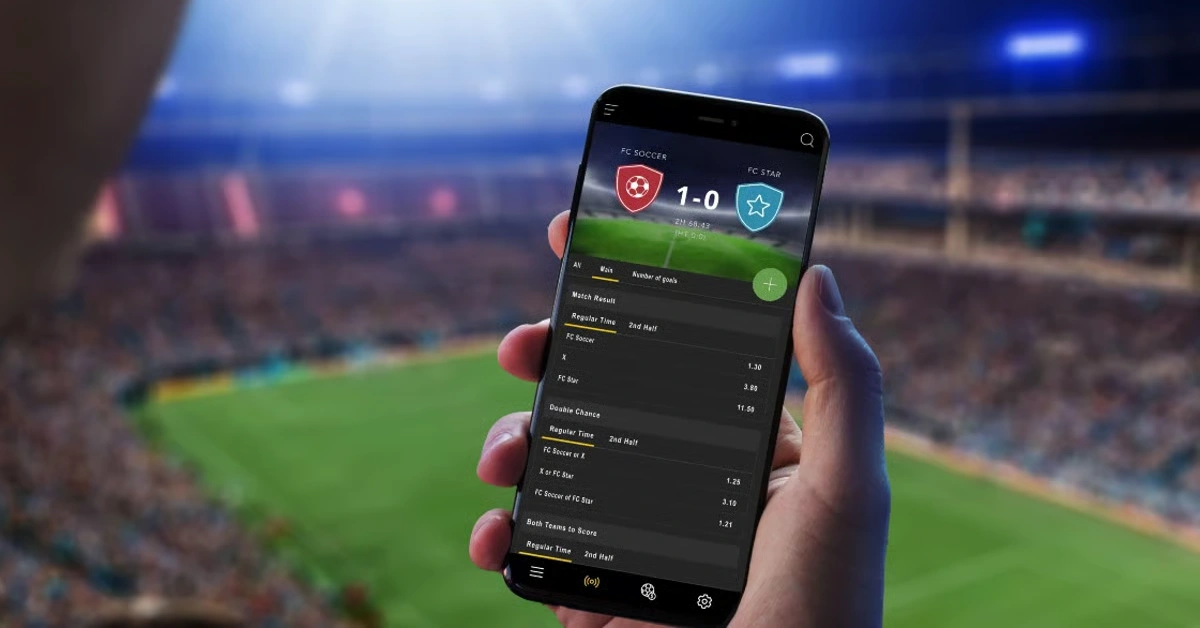
Accessing the platform begins with a successful EK7 Login. Whether you use the EK7 App or prefer the browser version of the EK7 Online Game, the same account unlocks the available games and features. This guide walks through the login process, common access issues, and practical ways to keep sessions reliable.
Completing EK7 Game Login
Start at the EK7 Official Website (https://ek7.space/) or open the installed EK7 App. Select the login option and enter the username or email together with your password. On a personal device you may choose a “remember me” setting; avoid it on shared or public hardware.
If this is your first time, complete registration first. The registration flow creates the account that works for both the mobile app and the browser version. Once the account is active, return to the login screen and sign in.
Fixing Common Access Problems
Login difficulties are usually straightforward to resolve. The most frequent causes include:
- Incorrect credentials or caps-lock enabled.
- An account that still needs email or SMS verification.
- Temporary network issues or an outdated app version.
- Cached data causing the login page to behave unexpectedly.
For a structured list of fixes, see the dedicated help post at EK7 Game Login Help Fix Common Access Problems. Use the official password-reset path rather than repeated guesses if you cannot remember the password.
Switching Between App and Browser
Many players install the EK7 App for convenience and still open the browser version on other devices. Because registration creates a single account, the same EK7 Login works in both places. After a successful login you can continue sessions, check history, or explore the available games without starting over.
If you use the APK route, keep the app updated so login endpoints remain compatible. The privacy and installation checklist on the site remains the recommended reference for any new download.
Security Habits for Reliable Access
- Keep login details private. Never share them in chat or with anyone claiming to be support.
- Log out fully on devices that other people can access.
- Prefer the official website and app for every login. Bookmark https://ek7.space/ so you do not rely on search results that might surface look-alike pages.
- Enable any extra verification the platform offers.
- When referral or promotional offers appear, review the terms first.
These habits protect both the account and any progress tied to it.
After Login: Exploring the Platform
Once you are signed in, the interface presents the available online gaming options. The platform typically includes a mix of casino-style games, sports-related offerings, Teen Patti, Aviator Game, and live casino experiences. Exact availability can change, so the in-platform menu is the most accurate source on any given day.
A stable connection matters more than device power for most sessions. Prefer Wi-Fi when possible for longer play, and close unused background apps on older phones to free memory.
Responsible Use Reminder
Online gaming works best when treated as entertainment with personal limits. Set time or activity boundaries that suit you, take breaks, and avoid playing when tired or distracted. If promotional or referral offers are active, read the current terms before accepting so expectations stay clear. The dedicated referral post at EK7 Game Referral Offers Terms to Check First is the best place to start.
Final Tips for Smooth Access
Bookmark the official site, keep the EK7 App updated if you use the Android version, and store recovery information safely. When any prompt asks for credentials, pause and confirm you are on the real ek7.space domain. That single habit eliminates most account-related risks.
Additional how-to material appears regularly in the main Blog section.
FAQs
How do I complete EK7 Login?
Go to the official website or open the EK7 App, enter your username or email and password, and finish any verification if required.
What should I do if EK7 Game Login fails?
Check credentials, clear cache, confirm network stability, and follow the official troubleshooting guide on the site.
Can I use the same account on the app and in the browser?
Yes. One set of credentials works across the EK7 App and the web version of the EK7 Online Game.
Is registration required before login?
Yes. New players must complete registration to create the account used for login.
Where can I get help with persistent access problems?
Start with the official login help post and contact support only through channels listed on ek7.space.